


V5
since 2024

v5

Free motion design and video editor

Demo projects

Tutorials

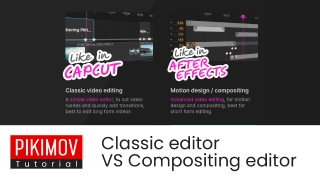
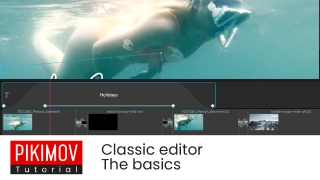
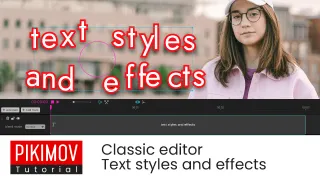
Classic video editing

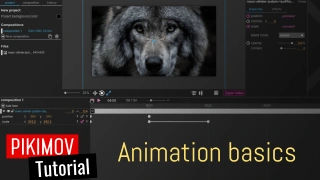
Motion design and compositing

  • Road movie
  • Introducing v5
  • Short story
  • Blend modes classic
  • Gallery transitions
  • Phone reveal teaser 3D
  • Speed ramping

  • Space noise
  • Pikimov logo reveals
  • True detective

  • Mini mountain 3D
  • Swing

  • Typewriter effect
  • Pictures wall 3D
  • 3D model

  • Silent Ash 3D
  • The workshop 3D
  • little circus

  • masking

  • blend modes

  • nested compositions

new project open project

Projects are processed locally on your computer,
your files are not uploaded on a server

What's new

2026/02/04 - V5 πŸ¦„πŸ¦„πŸ¦„πŸ¦„πŸ¦„β€‹

  • πŸ‘‘ New classic video editor (like CapCut)
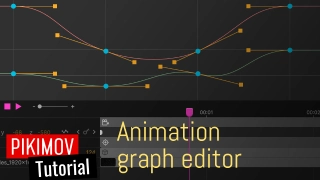
  • πŸ“ˆ Graph editor: fine tune animated properties easings
  • 〰️ New line item
  • πŸ‘‘ New FX: motion blur
  • New FX: extrude
  • New FX: vintage colors
  • new blend modes: brighten, darken
  • The max composition duration is now 30 minutes
  • New tools: slip edit, duplicate into
  • Added text Stroke
  • Support for arabic text
  • Export as a .webm video with transparency
  • Added support for importing .webm video with transparency
  • Added quality settings when exporting
  • Workspace layout now saved per composition
  • Add personal notes to projects
  • Improved video cache system
  • Color picker live updates
  • MORE speed:
    editing and exporting 2D compositions is up to 20% faster
  • LESS memory:
    Pikimov needs less RAM while editing and exporting

2025/08/14 - V4 πŸ¦Šβ€‹πŸ¦Šβ€‹πŸ¦Šβ€‹πŸ¦Šβ€‹

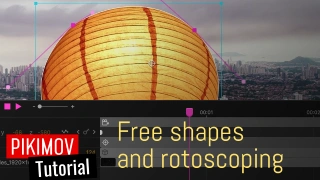
  • editable vector shapes
  • rotoscoping
  • javascript expression engine
  • 4K 60fps import / export
  • timeline items snapping
  • timeline items loop
  • added support for .webm and .mov files
  • added support for .woff font files
  • disc / elipse radial gradient
  • new FX: fluted glass
  • new FX: kaleidoscope
  • new FX: petzval lens
  • new FX: crop edges
  • copy and paste effects between items
  • added Opera support (Windows and macOS)
  • 3D compositions: right click on the editor to set the view
  • right click on an item: 'duplicate into...'
  • right click on the composition: 'save frame as .png'
  • faster video export
  • higher quality video export

2025/04/08 - V3 😺😺😺

  • new tool: ⭐️ background remover ⭐️
  • new tool: ⭐️ subtitles generation ⭐️
  • new FX: noise
  • new FX: shake
  • new FX: leave color
  • new FX: wave warp
  • new FX: mosaic
  • new FX: chromatic aberration
  • new FX: turbulent displace
  • vertical/horizontal workspaces
  • composition time markers
  • New blend mode: overlay
  • Added luminance mask
  • Added support for .ogg files
  • added support for .tga files
  • added support for .glb kt2x textures
  • new: Pikimov Discord server
  • improved performances and memory usage

2025/01/08 - V2

  • 4K resolution support ⭐️ ⭐️ ⭐️
  • images export with alpha channel
  • edit anchor point position
  • new FX: motion tile
  • new FX: corner pin
  • new FX: typewriter
  • new FX: bend
  • new FX: skew
  • new FX: vignette
  • shadow FX: added blur
  • New blend mode: difference
  • Text tool: fixed width + justify
  • Rectangle item: 4 colors gradients
  • performances improvements

2024/10/10 - Version 1.0 🍸

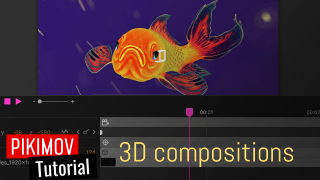
  • 3D compositions ⭐️ ⭐️ ⭐️
  • Advanced lights management
  • New projects demos

2024/09/30

  • It's now possible to insert a group into another group
  • New project demo: Speed ramping

2024/09/02

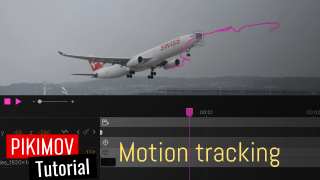
  • new tool: motion tracking

Support Pikimov on Patreon

Reach $100

Animation graph editor

Reach $200

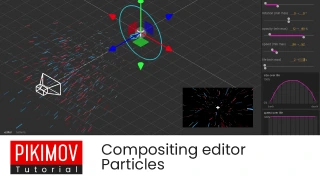
Particles generator

More details on Patreon